
WhatsApp Loyalty Software: Key Features to Look For
Short answer: good WhatsApp loyalty software runs on the official WhatsApp Business API, lets customers join by scanning a QR code with no app, records each visit at the counter, and sends the right message to the right customer automatically. Avoid bulk sender tools: they break WhatsApp’s rules and can get your number banned.
What is WhatsApp loyalty software?
WhatsApp loyalty software runs your stamp card, points or cashback inside WhatsApp. Customers join from a QR code, collect rewards in a chat, and hear from you in the app they already open many times a day. If you are new to the idea, start with our guide to the WhatsApp loyalty program. This page is the buyer’s checklist: what the software itself must do.
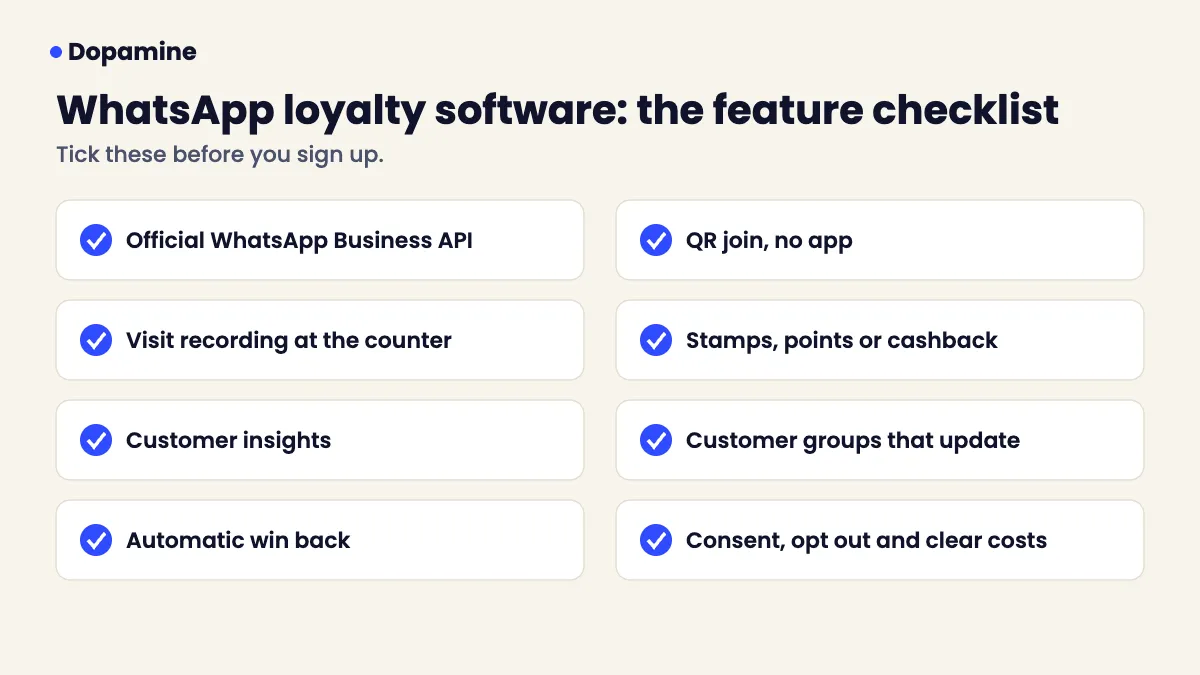
Key features to look for: the checklist
| Feature | Why it matters | Question to ask the vendor |
|---|---|---|
| Official WhatsApp Business API | Messages are allowed by WhatsApp and your number stays safe | Do you use the official API, or WhatsApp Web automation? |
| QR join, no app | More customers join when there is nothing to download | Can a customer join in one scan at the counter? |
| Visit recording at the counter | Each visit and spend is linked to a customer | How does staff add a stamp, and how long does it take? |
| Stamps, points or cashback | Different businesses need different rewards | Can I switch reward type later? |
| Customer insights | You see new, returning and lost customers | Can I see my repeat rate and who stopped coming? |
| Customer groups | Top customers, regulars and those going quiet get different messages | Do groups update automatically? |
| Automatic win back | Regulars who drift get a message before they are lost | Is it based on each customer’s own visit rhythm? |
| Consent and opt out | Only customers who agreed hear from you | How do customers stop messages? |
| Clear message costs | WhatsApp marketing messages are paid per message | What does each extra message cost me? |
| Your customer list | The customers you collect stay yours | Who owns the customer list? |
Official WhatsApp Business API vs bulk senders
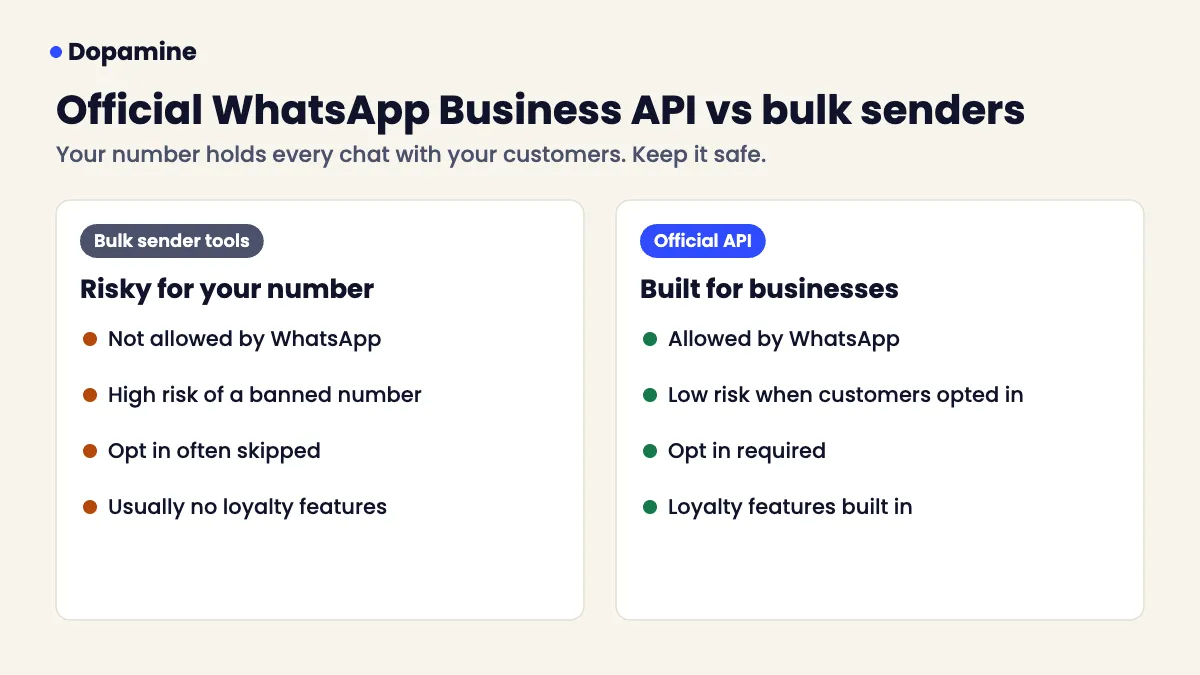
This is the most important check. Some cheap tools blast messages through WhatsApp Web or a normal phone number. WhatsApp’s terms do not allow that kind of automation, and numbers that send unwanted bulk messages can be restricted or banned. Losing the number means losing every chat with your customers.
The official WhatsApp Business API is how Meta allows businesses to send messages at scale. Customers see that the business uses a secure service from Meta, messages use approved templates, and customers must have opted in.
| Official WhatsApp Business API | Bulk sender tools | |
|---|---|---|
| Allowed by WhatsApp | Yes | No |
| Risk to your number | Low when customers opted in | High, numbers get banned |
| Message cost | Meta charges per marketing message, by country | Looks free, until the number is lost |
| Consent | Opt in required | Often skipped |
| Loyalty features | Built in with the right software | Usually none |
What features matter most for a café, salon or shop?
For walk in businesses the deciding features are speed at the counter and automatic follow up. If adding a stamp slows the morning queue, staff stop doing it. If nobody sends the follow up, the data sits unused. Fancy dashboards matter less than these two.
How Dopamine checks the list
- Runs on the official WhatsApp Business API.
- Customers join by scanning a QR code that opens WhatsApp. No app.
- Staff record each visit with a short code and the bill amount.
- Stamps, points or cashback, plus milestone and birthday rewards.
- Insights on new, returning and lost customers, visits, spend and repeat rate.
- Smart customer groups and Autopilot win back, which learns each customer’s visit rhythm.
- WhatsApp campaigns, feedback and Google review requests.
- Your customer list stays yours.
Setting it up takes minutes. Our step by step setup guide walks through the reward, the QR code, the staff code and the first message.
What it costs
Dopamine is free to start on the Ignite plan. WhatsApp messages cost USD 0.065 each (minimum 100). Paid plans add Autopilot and smart groups. See pricing.
Related guides
- Setup guide: reward, QR code, staff code, first message
- Why WhatsApp rewards work for small businesses
- Digital loyalty programs: a guide for businesses
- Free loyalty program apps in the UAE
- What is an AI retention agent?
Frequently asked questions
What features should WhatsApp loyalty software have?
The official WhatsApp Business API, QR join with no app, quick visit recording at the counter, stamps or points or cashback, customer insights, automatic customer groups, automatic win back, consent and opt out, and clear message costs.
Is it safe to use bulk WhatsApp sender tools for loyalty?
No. WhatsApp’s terms do not allow unofficial automation, and numbers that send unwanted bulk messages can be banned. Use software on the official WhatsApp Business API and message only customers who opted in.
Do customers need to download an app?
No. With WhatsApp loyalty software customers scan a QR code and join in WhatsApp, which they already have.
How much do WhatsApp loyalty messages cost?
Meta charges businesses for marketing messages and the rate depends on the customer’s country. Dopamine is free on the Ignite plan, and WhatsApp messages cost USD 0.065 each (minimum 100).
How is WhatsApp loyalty software different from a WhatsApp chatbot?
A chatbot answers questions customers send you. Loyalty software records visits and rewards, then starts the conversation with the right customer, such as a regular who has stopped coming.