
How to Set Up a WhatsApp Loyalty Program: Step by Step
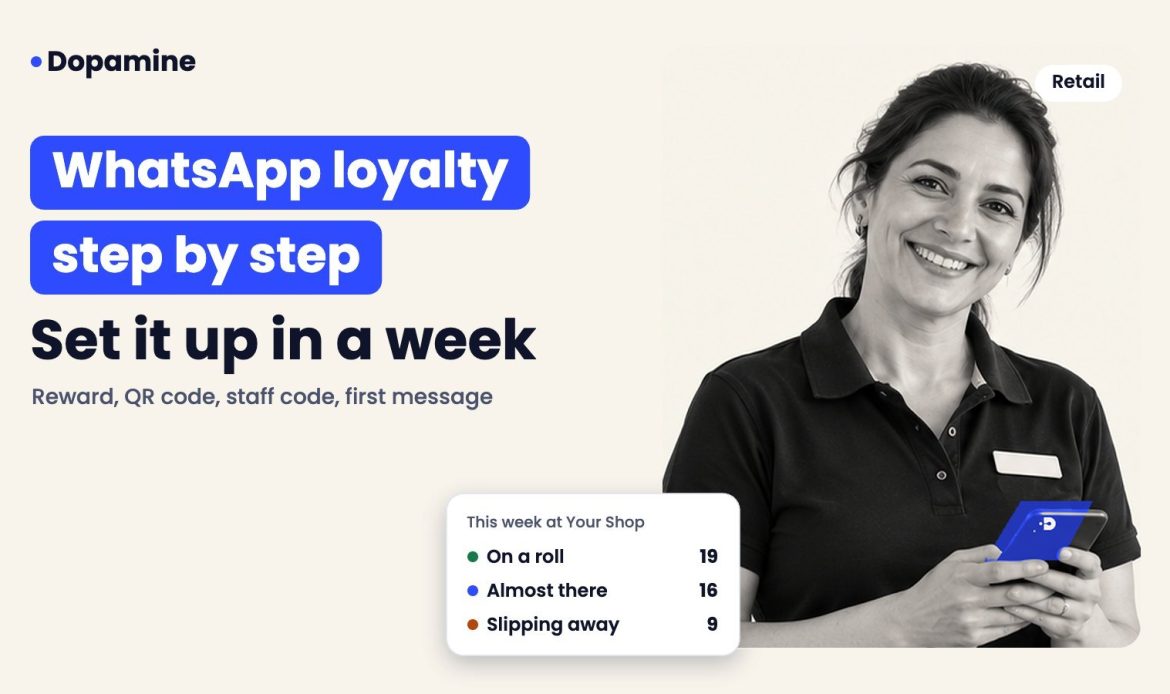
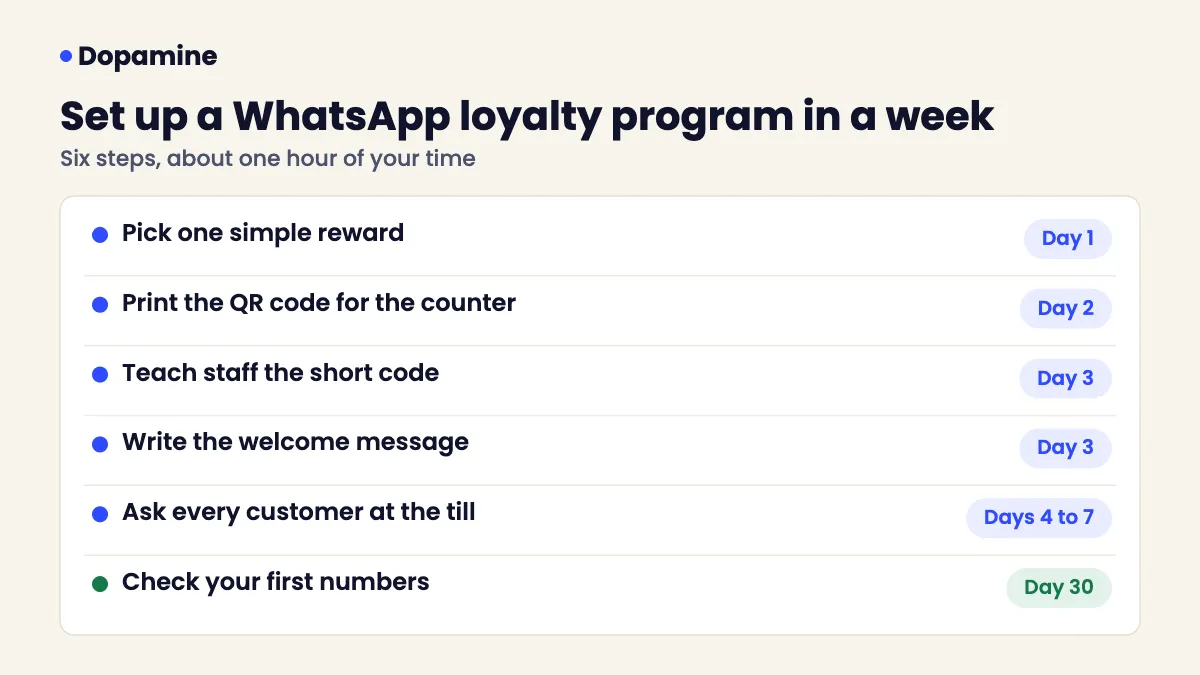
Short answer: to set up a WhatsApp loyalty program, pick one simple reward, print a QR code that opens WhatsApp, teach staff to add a visit with a short code, write a warm welcome message and ask every customer at the till. Most cafés, salons and shops can go live within a week.
New to the idea? Start with what a WhatsApp loyalty program is and why businesses use one. This guide is the practical setup.
What do you need before you start?
| You need | Why |
|---|---|
| A WhatsApp loyalty tool on the official WhatsApp Business API | Bulk sender tools and personal numbers risk being banned |
| One reward you can afford | A simple goal gets more people to join |
| A spot at the counter for the QR code | Customers join while they wait |
| Five minutes with each staff member | They run the program, not you |
Step 1: Pick one simple reward
One clear goal beats a complicated points table. Customers should understand it in one sentence.
| Business | Reward type | Example |
|---|---|---|
| Café | Stamps | 8th coffee free |
| Salon or barber | Stamps | Free blow dry or haircut after 6 visits |
| Restaurant | Points | Points on every bill, dessert when you reach the goal |
| Retail shop | Cashback | 5% back to spend on the next visit |
Not sure which suits you? Stamps work best when visits are frequent and similar in value. Cashback suits shops where the bill varies a lot.
Step 2: Put the QR code where people wait
The QR code opens WhatsApp with a short message ready to send. The customer taps send and they have joined. No app, no form.
- On the counter next to the card machine
- On the salon mirror or reception desk
- On the table tent, the receipt or the bag
- In delivery bags, since delivery apps do not share customer contact details
Step 3: Teach staff the short code
At each visit, staff enter a short code and the bill amount. That adds the stamp, points or cashback and records the visit. It takes seconds and needs no extra hardware.
The line staff say at the till matters more than the poster: “Want your stamps on WhatsApp? Just scan this.”
Step 4: Write the first message
The welcome message confirms the first stamp and the goal. Keep it short and warm, with one emoji at most.
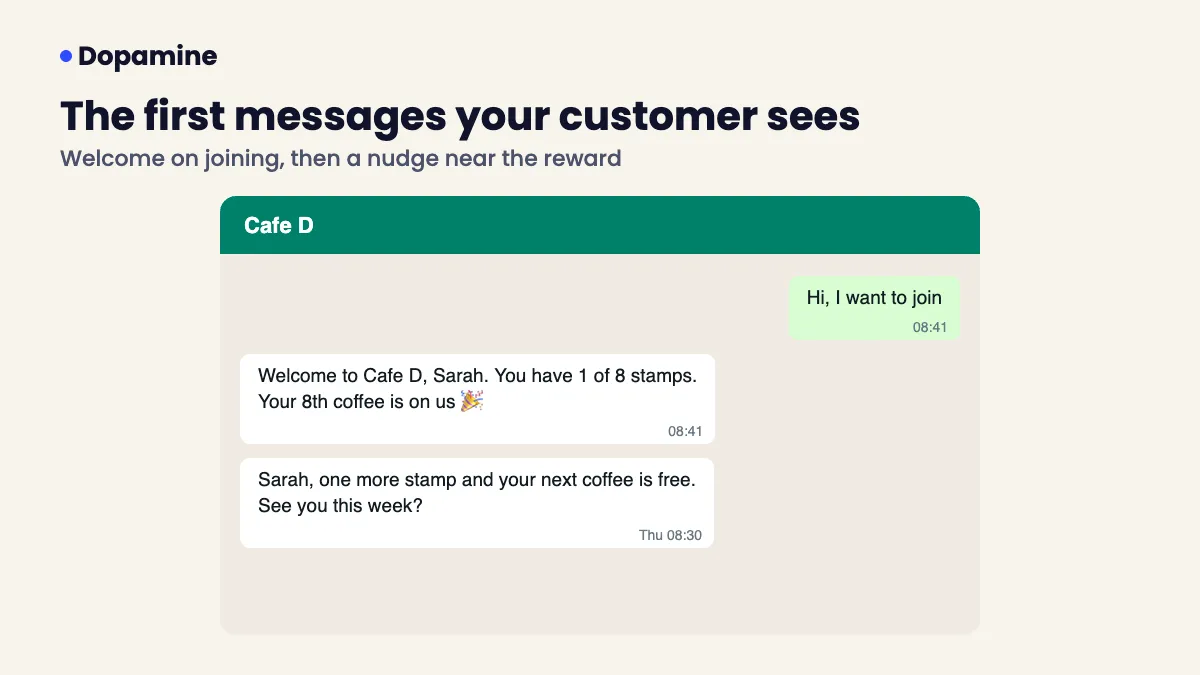
- Welcome: “Welcome to Cafe D, Sarah. You have 1 of 8 stamps. Your 8th coffee is on us.”
- Close to the reward: “Sarah, one more stamp and your next coffee is free. See you this week?”
- Reward earned: “You did it! Your free coffee is ready. Show this message at the counter.”
Step 5: Ask every customer for a week
For the first week, ask every customer at the till. Regulars join fastest because they already have a habit. Put the reward on a small sign so customers see what they get before staff ask.
Step 6: Measure the first 30 days
| Number | What it tells you |
|---|---|
| Customers who joined | Whether staff are asking |
| Customers who came back at least once | Whether the reward is attractive |
| Rewards claimed | Whether the goal is reachable |
| Customers going quiet | Who to message next |
For the full method see how to calculate customer retention rate.
How it works with Dopamine
- Choose stamps, points or cashback and set the reward.
- Print your QR code. Customers scan and join on WhatsApp.
- Staff enter a short code and the bill amount at each visit.
- Customers get a WhatsApp update with their progress.
- The dashboard shows new, returning and lost customers, and who is going quiet.
- Send WhatsApp campaigns, birthday and milestone rewards, or let Autopilot win back bring regulars back.
Dopamine runs on the official WhatsApp Business API, and you own your customer list.
What it costs
Dopamine is free on the Ignite plan. WhatsApp messages cost USD 0.065 each (minimum 100). Paid plans add Autopilot win back, smart groups, feedback and Google reviews. See pricing.
Related guides
- Digital loyalty programs: a practical guide
- Free loyalty program apps in the UAE
- Loyalty card guide: paper, digital or WhatsApp
- What is an AI retention agent?
Frequently asked questions
How do I set up a WhatsApp loyalty program?
Pick one simple reward, print a QR code that opens WhatsApp, teach staff to add visits with a short code, write a welcome message and ask every customer at the till for the first week.
How long does it take to set up?
Most cafés, salons and shops can go live within a week: a day to choose the reward, a day to print the QR code and a few minutes to train each staff member.
Do customers need to download an app?
No. They scan a QR code, WhatsApp opens with a message ready to send, and they join with one tap.
Can I use the free WhatsApp Business app for a loyalty program?
You can send messages by hand, but it cannot track stamps or visits and sending in bulk risks a ban. A loyalty tool on the official WhatsApp Business API tracks rewards and messages customers who agreed.
How much does a WhatsApp loyalty program cost?
Prices vary by provider. Dopamine starts free on the Ignite plan; WhatsApp messages cost USD 0.065 each (minimum 100).